
Scenario: It’s time for a team meeting and you are worried your team has been overloaded lately. You want to find out where everyone thinks they are.
Default Option: You ask how everyone’s workload is and you get the usual “fine” or “ok” and that’s the full discussion.
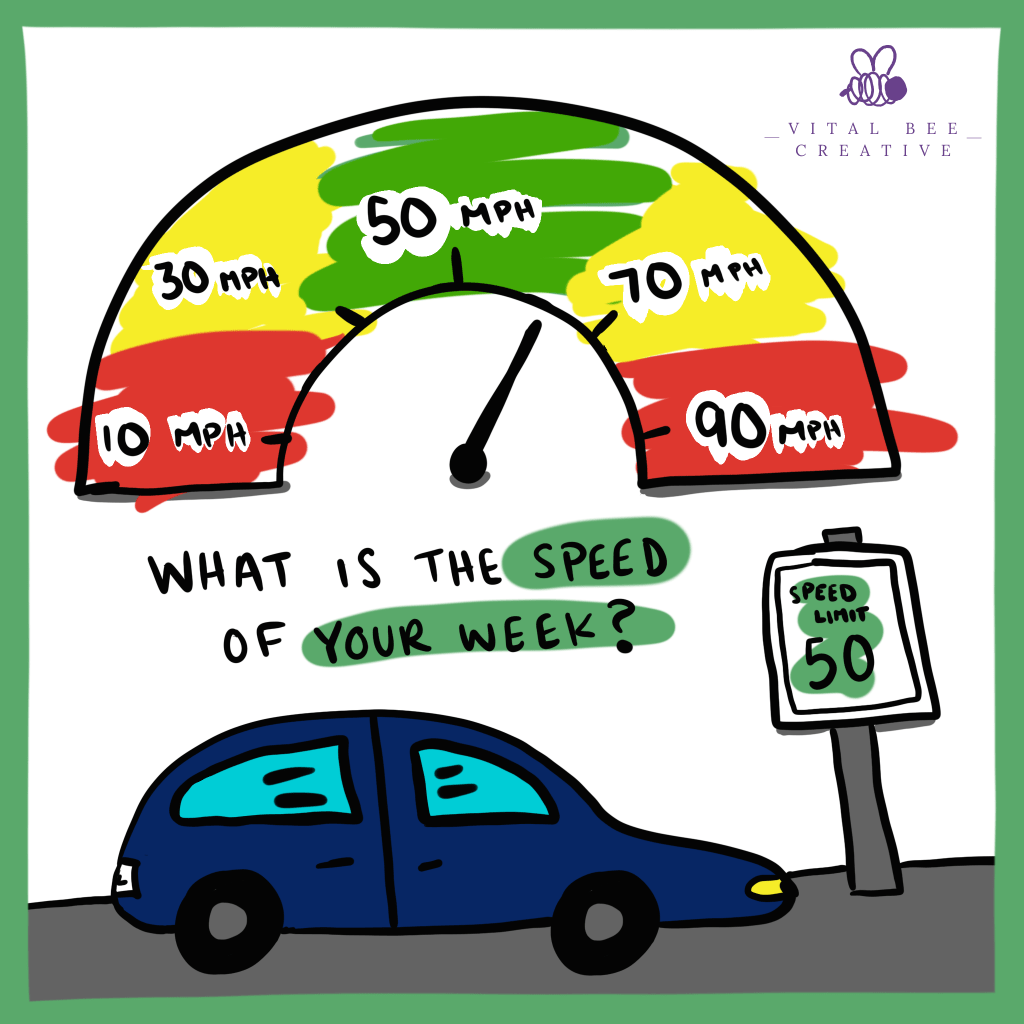
A HMMM Option: You ask what their week’s speed is. Start the conversation by sharing that the expectation is 50MPH. Then have the team indicate where they are on the scale using an image similar to the one below.
This is helpful for you to see where the group is as a whole and can see if there’s anyone that needs immediate relief. It’s also helpful for team members to see where everyone else.
If virtual: Share this image on the screen when you ask.
If you are in Zoom, encourage your attendees to use the annotate feature and use a stamp to mark where they are.
If you are in Teams, set up a whiteboard ahead of time with this image and then ask your attendees to mark where they are on the scale.
 Vital Bee Creative